How to Protect Your Website From Hackers (WordPress Security Checklist)
Your website security matters more than ever. WordPress powers millions of websites worldwide, and that also makes it a common target for hackers. The good news is: with the right WordPress security checklist, you can reduce the risk of attacks and keep your site safe.
Whether you run a business website, blog, or eCommerce store, these steps will help you strengthen your website security today.
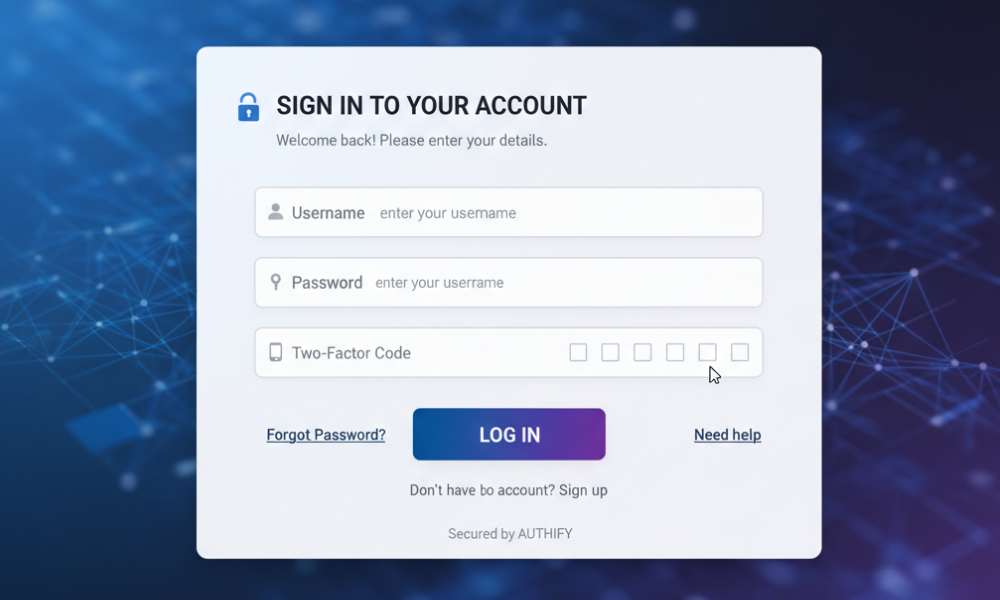
1. Use Strong Passwords and Enable 2FA
Most WordPress hacks happen because of weak passwords.
Do this:
- Use strong passwords for WordPress admin, hosting, and email
- Enable Two-Factor Authentication (2FA)
- Avoid using “admin” as your username
2. Keep WordPress, Themes, and Plugins Updated
Outdated plugins and themes are one of the biggest security risks.
Checklist:
- Update WordPress core regularly
- Delete unused plugins and themes
- Avoid “nulled” themes (they often contain malware)
3. Install a Security Plugin
A good security plugin helps detect threats early.
Popular options include:
- Wordfence Security
- Sucuri Security
- iThemes Security
4. Use SSL (HTTPS) and Secure Hostin
If your website is not using HTTPS, it’s easier to intercept data.
Make sure:
- SSL is active
- Your hosting has malware protection
- Your server is regularly updated
5. Limit Login Attempts
Hackers use brute-force attacks to guess passwords.
You should:
- Limit failed login attempts
- Block suspicious IPs
- Use CAPTCHA on login pages
6. Backup Your Website Regularly
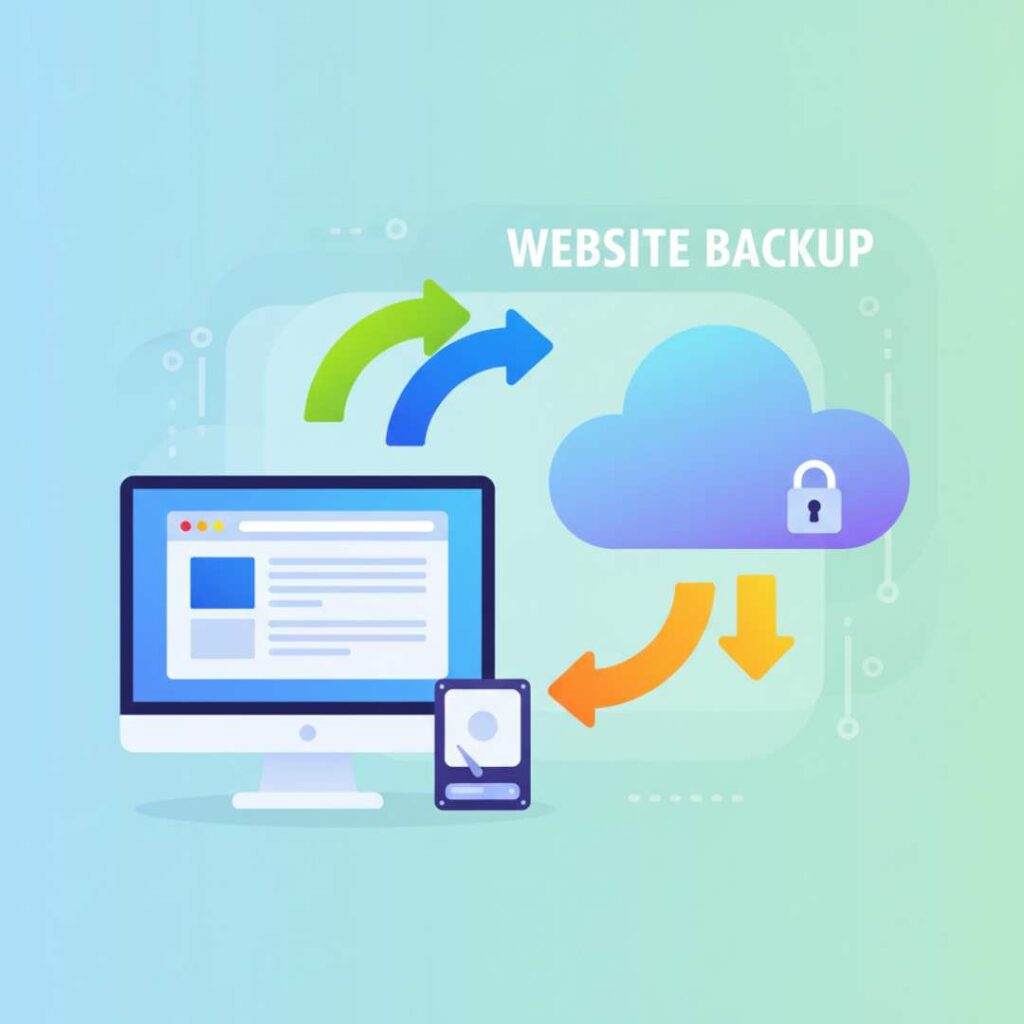
Backups are your emergency plan.
A good backup strategy includes:
- Offsite storage (Google Drive or cloud)
- Daily backups (for active sites)
- Weekly backups (for small blogs)
7. Secure Your Admin Area
Protect your WordPress dashboard by:
- Changing the login URL
- Restricting admin access
- Disabling file editing inside WordPress
You can use the Google Malware Checker (NairaHost) to paste your website URL and instantly check if it has been flagged for malware or phishing using Google Safe Browsing data.
Conclusion
If you want professional help to secure your WordPress site, fix vulnerabilities, or improve performance, you can explore our services here: https://acenixytech.co.ke/services/. Website security is not something to ignore until you get hacked, and by following this WordPress security checklist, you can protect your site, your visitors, and your business reputation. A secure website builds trust, and trust builds growth.